


Why Cumlouder Login Issues Happen More Often Than You Think
Getting locked out of an account is frustrating, especially when you just want to enjoy the content you have paid for. Cumlouder, operated by TechPump Solutions S.L. and based in Gijón, Spain, uses a standard email-and-password system. That simplicity is a strength, but it also means the most common login failures are entirely fixable on your end without waiting days for support.

Before you assume something is broken on the platform, it is worth knowing that the vast majority of login errors come from three sources: a mistyped password, a browser holding on to old session data, or an email address that was never fully confirmed. Address those three things first, and you will solve around 90 per cent of cases before you ever need to contact anyone.
Step-by-Step: Fixing a Forgotten or Rejected Password
The quickest route back into your Cumlouder login is a password reset. Visit the login page and click the forgotten password link. Enter the email address you registered with - this must match exactly, including any dots or plus signs you used. Cumlouder will send a reset link to that address. Check your spam or junk folder if it does not arrive within five minutes, because email filters frequently flag messages from adult platforms.
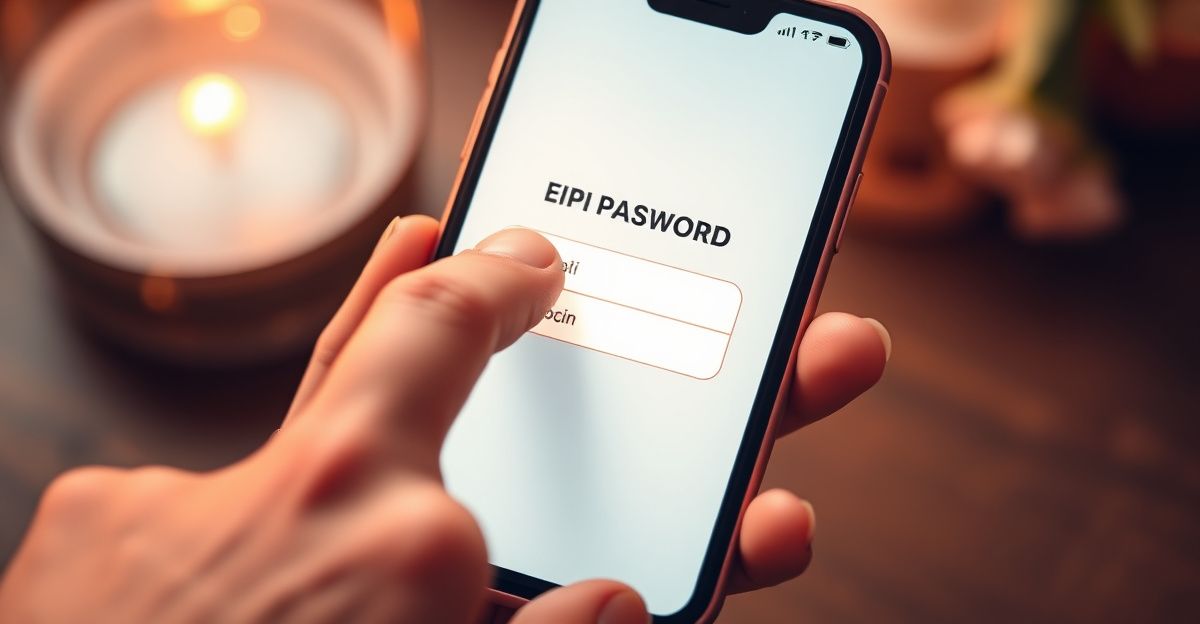
Once you have the link, use it straight away. Reset links are time-sensitive, and waiting too long means you will need to request a fresh one. Choose a password that is at least 12 characters and includes a mix of letters and numbers. Reusing an old password that you have used elsewhere is a habit worth breaking, both for security and because some browsers will autofill the wrong saved password and make it look like the site is rejecting you.
If the system tells you your email address is not recognised, it is possible you registered under a different address. Try any alternative emails you use before contacting support. You can also check your inbox for a confirmation email from TechPump or Cumlouder from when you first signed up - that will confirm which address is on the account.
Browser Problems That Block Your Access
A surprisingly large number of login errors are caused by nothing more than your browser. Cached data, outdated cookies, or an extension interfering with the login form can all produce error messages that look serious but are not. The fix is straightforward.
Open a private or incognito window first. This bypasses extensions and cached data in one step. If you can log in through a private window, the issue is with your regular browser session rather than your account. From there, clear your cookies and cache for the Cumlouder domain specifically - you do not need to wipe your entire browsing history.
Ad-blocking extensions are another common culprit on adult sites. Some blockers interfere with the login form script. Try disabling your ad-blocker temporarily and reloading the page. If that resolves the problem, you can whitelist Cumlouder in your blocker settings and enjoy uninterrupted access going forward.
What to Do When Your Account Appears Locked
Multiple failed login attempts within a short window can trigger a temporary account lock as a security measure. This is normal behaviour for any platform handling payment information. The lock typically lifts on its own after a short wait - usually between 15 and 30 minutes. Resist the urge to keep trying, because each failed attempt may reset that timer.
If the lock does not clear after half an hour, reach out through the Cumlouder support contact form. Provide your registered email address and a brief description of the error message you are seeing. You can also email [email protected] directly. Response times vary, but having your account details ready speeds things up considerably.
One thing worth keeping in mind: Cumlouder requires age verification on entry by confirming your birth year. If something in that confirmation step conflicts with your account record, it can sometimes create unexpected access issues. Mentioning this to support will help them diagnose the problem faster.
Privacy Habits That Prevent Future Login Headaches
Something I started doing after spending a quiet Sunday afternoon reading through advice threads on account security is treating my login credentials the way I treat any sensitive information. I use a dedicated email address for adult platforms, completely separate from my main inbox, and I never reuse passwords across services. That one habit alone has saved me from at least two potential lockout situations where a data breach on an unrelated site could have affected my access elsewhere.
If you are a content creator on the platform, the advice applies doubly. Keeping your performer profile completely separate from your personal details - using a stage name, a dedicated email, and a secure Cumlouder account - means that a login issue on one account does not cascade into a broader privacy problem. Respect for your own boundaries is not just good practice; it is a form of protection that lets you enjoy your work long-term without unnecessary stress.
A password manager is worth the small effort of setting up. It stores your credentials securely, autofills correctly, and alerts you if a saved password appears in a known data breach. Free options like Bitwarden work well for this purpose.
Confirming Your Email and Verifying Your Account
New registrations require email confirmation before you can fully access the site. If you signed up recently and cannot log in at all, the most likely explanation is that the confirmation email is sitting unread - or was filtered into spam. Find the email from TechPump Solutions S.L., click the confirmation link, and then attempt your Cumlouder verification again.
For premium membership, payment information is entered through one of several processors including Epoch, PaysiteCash, and Monetia. If your payment was declined or interrupted during sign-up, your account may exist but remain unactivated. In that case, logging in will either show an error or redirect you back to the payment step. Completing the payment through the correct processor resolves this immediately.
Comments
No comments yet.
Leave a comment
Your email will not be shown. Comments are reviewed before they appear.